Buying school management software is unusual as purchases go, because the people who choose it are rarely the people who use it most. A decision made in a leadership meeting lands on a form tutor at eight in the morning, and that gap is where most of the disappointment lives.
We build school management software, so here are the traps we watch for, including the ones that only appear in year two.
1. Buying school management software for the office and not the classroom
Finance, admissions and reporting features demo well because they are what leadership looks at. Attendance, behaviour notes and parent messages are what teachers touch daily. If the daily path takes six clicks, staff will keep their own spreadsheet, and then your central record is wrong in a way nobody notices for months.
2. Student data obligations arriving late
Who can see what, how long records are kept, what happens when a parent requests data, and where the servers sit are all decisions that shape the build. The United States Department of Education’s student privacy guidance is the clearest free summary, and it is far cheaper to read before procurement than after.
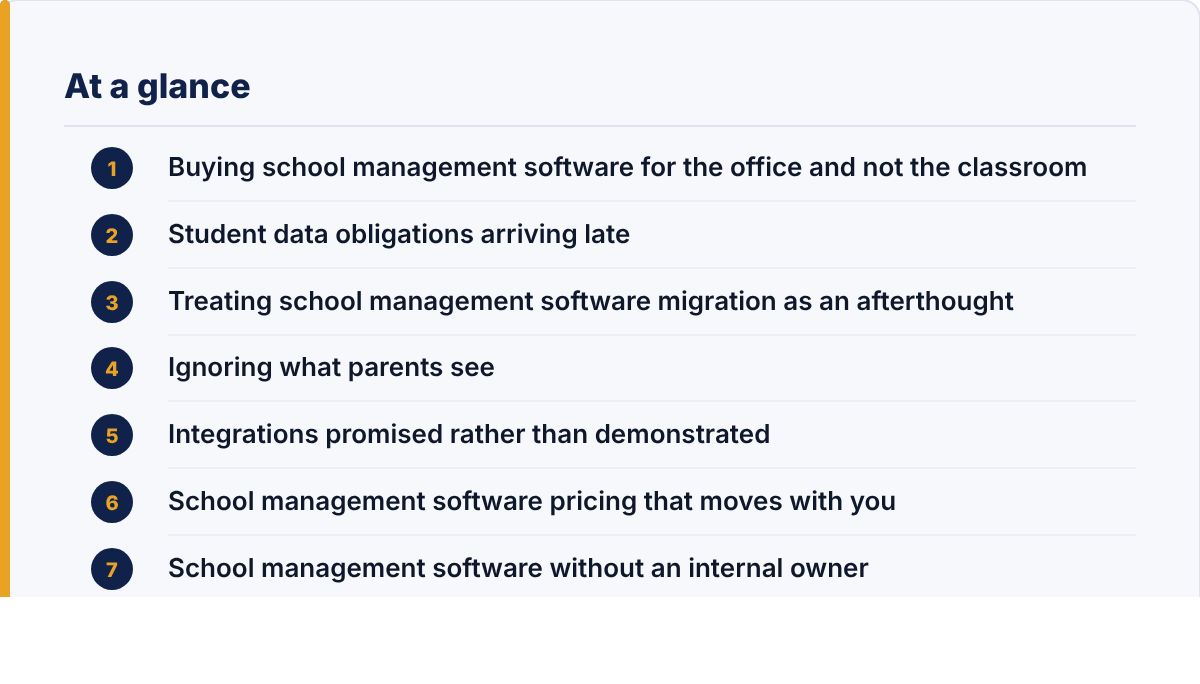
3. Treating school management software migration as an afterthought
Your existing data is messier than you think. Duplicate pupils, siblings recorded differently, historic staff who never left the system, and fields that were repurposed years ago by someone who has since retired. Ask for migration to be a named phase with its own time and its own sign-off, because otherwise it happens in the last fortnight and everyone discovers the problems live.
4. Ignoring what parents see
Parent-facing screens generate most of the support load, since there are far more parents than staff and they log in rarely. A confusing payment page or an unclear absence form turns into phone calls to the office, which is the opposite of what the system was bought to achieve.
5. Integrations promised rather than demonstrated
Your finance package, your learning platform, your door entry and your communications tool all need to talk to this. “We integrate with that” can mean a supported connector, or it can mean a nightly file export someone has to check. Ask which, and ask to see it running on another school’s setup.
6. School management software pricing that moves with you
Per-pupil pricing is reasonable and it compounds. Ask what happens when the roll grows, what a module costs to add later, what training costs after the first year, and what an export of your own data costs if you leave. That last one is the question suppliers least enjoy.
7. School management software without an internal owner
Someone on your staff has to own this, with time protected for it. Not a committee and not the supplier. Systems without an owner drift: permissions go stale, nobody retires old fields, and within two years the reports stop being trusted.
What a good procurement looks like
Shortlist school management software on the daily path rather than the feature list, and have two teachers and one office administrator run the same three real tasks on each system while you watch. Then ask each supplier the pricing questions above in writing. It is a slower process and it tends to produce a system people actually use.
School management software questions we are asked
How much does school management software cost?
Almost always per pupil per year, with modules priced separately, so the figure that matters is the total at your projected roll rather than the headline rate. Ask for a three-year cost including training and any charge for exporting your own data.
How long does school management software take to implement?
Plan a term, not a holiday. The build is rarely the constraint; data migration, permissions and training staff during a working week are, and schools that compress this into August usually spend September fixing it.
Can school management software replace every system we run?
Rarely, and trying is how procurements stall. Decide which two or three systems must be retired, integrate the rest, and revisit in a year.
The question to ask in year two
Whether the central record is still trusted. Good school management software makes the accurate path the quickest one, so staff have no reason to keep a copy. If departments have started keeping their own copies anyway, something in the daily path is too slow, and that is fixable while it is still a habit rather than a policy.
If you want to see how we have approached this, Acadmin is our own school administration product, and our custom software development page covers how we handle migrations and integrations.
Leave a Reply